Security Systems Designed for Offices, Retail, and Commercial Properties
Integrated solutions that protect people, assets, and operations while improving access control, visibility, and day-to-day business continuity.
Serving commercial clients in Singapore since .
In Short
What Commercial Security Actually Needs to Do
Commercial security is about maintaining business continuity while controlling access, protecting assets, and giving management clear visibility over what is happening across the property. Most commercial organisations need CCTV, access control, visitor management, and network infrastructure working together as a single environment: not as separate systems that do not communicate with one another.
The challenge is rarely selecting the right equipment. The challenge is designing systems around how staff, visitors, contractors, and deliveries actually move through the property every day. A system that creates friction for the people using it daily will be worked around: and a system that is worked around is not providing security.
Business Security Without Operational Friction
Commercial security should enable operations, not slow them down. We focus on creating environments where staff movement is seamless, visitor control is professional, and management has 24/7 visibility over liability and business continuity across single or multiple sites.
What Commercial Properties Need to Control Every Day
Staff and Visitor Access
Balancing open, welcoming environments with strict, auditable control over who enters sensitive zones or high-traffic lobbies.
Asset and Inventory Protection
Reducing shrinkage in retail and protecting high-value equipment or data infrastructure in corporate office environments.
Compliance and Audit Visibility
Maintaining the necessary digital documentation for PDPA, insurance requirements, and internal safety audits without manual logging.
Multi-Site Consistency
Establishing unified security standards and centralised oversight across a portfolio of office branches, retail outlets, or hotel properties.
Common Mistakes We See in Commercial Security Projects
After working across offices, retail environments, and commercial buildings in Singapore, several issues appear repeatedly.
Choosing Hardware Before Defining Workflow
Many organisations spend weeks comparing camera brands but very little time defining how staff, visitors, and contractors should actually move through the property. The workflow design should come before any hardware decision. A camera in the wrong place: or an access point with the wrong logic: is difficult and costly to fix after installation.
Treating Security as Separate Systems
CCTV, access control, and visitor management are often purchased at different times from different suppliers. The result is multiple systems that do not communicate with one another. When an incident occurs, management cannot correlate the access log with the camera footage because the systems have no shared reference. Integration is most cost-effective when designed from the outset.
Underestimating Network Requirements
Security systems today run on IP networks. A poorly designed network: insufficient bandwidth, no VLAN separation, unmanaged switches: creates reliability problems that show up months after installation. By the time the symptoms appear, the network is already embedded in the ceiling and behind the walls. Network design should be part of the security brief, not an afterthought.
Designing Only for Today
Businesses grow. Additional staff, new locations, and changed operational requirements often arrive sooner than expected. A system designed with no capacity for expansion forces a full redesign when the business grows. The cost of building in scalability at the start is almost always lower than the cost of retrofitting it later.
A Practitioner Observation
Most organisations do not fail because they have too few cameras. They fail because they lack the visibility and correlation capability to act on what the cameras have recorded. A connected system: where access logs, camera footage, and visitor records share a common timeline: changes the quality of information available when something goes wrong.
Find the Right Commercial Security Path
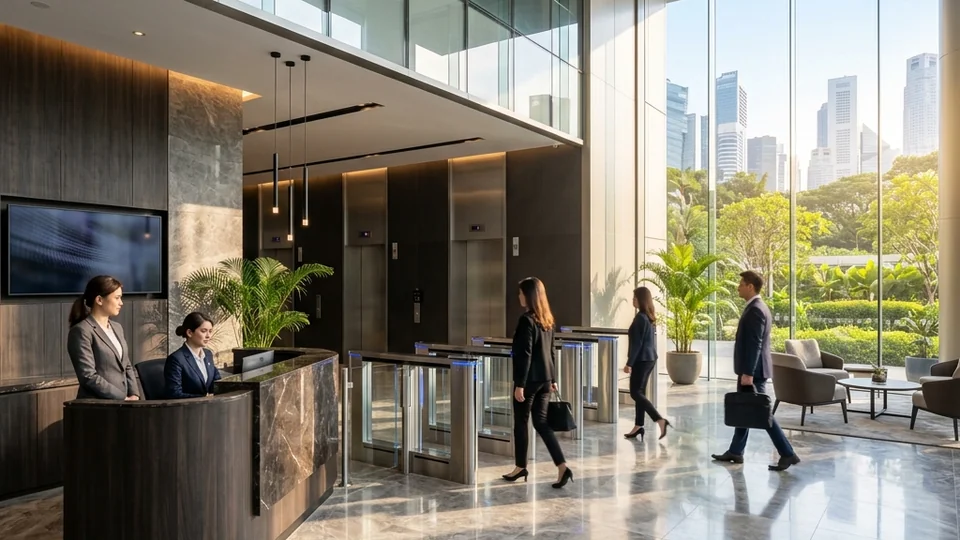
Office & Corporate HQ
Access control, visitor management, compliance, and staff movement across office environments.
View Office Solutions →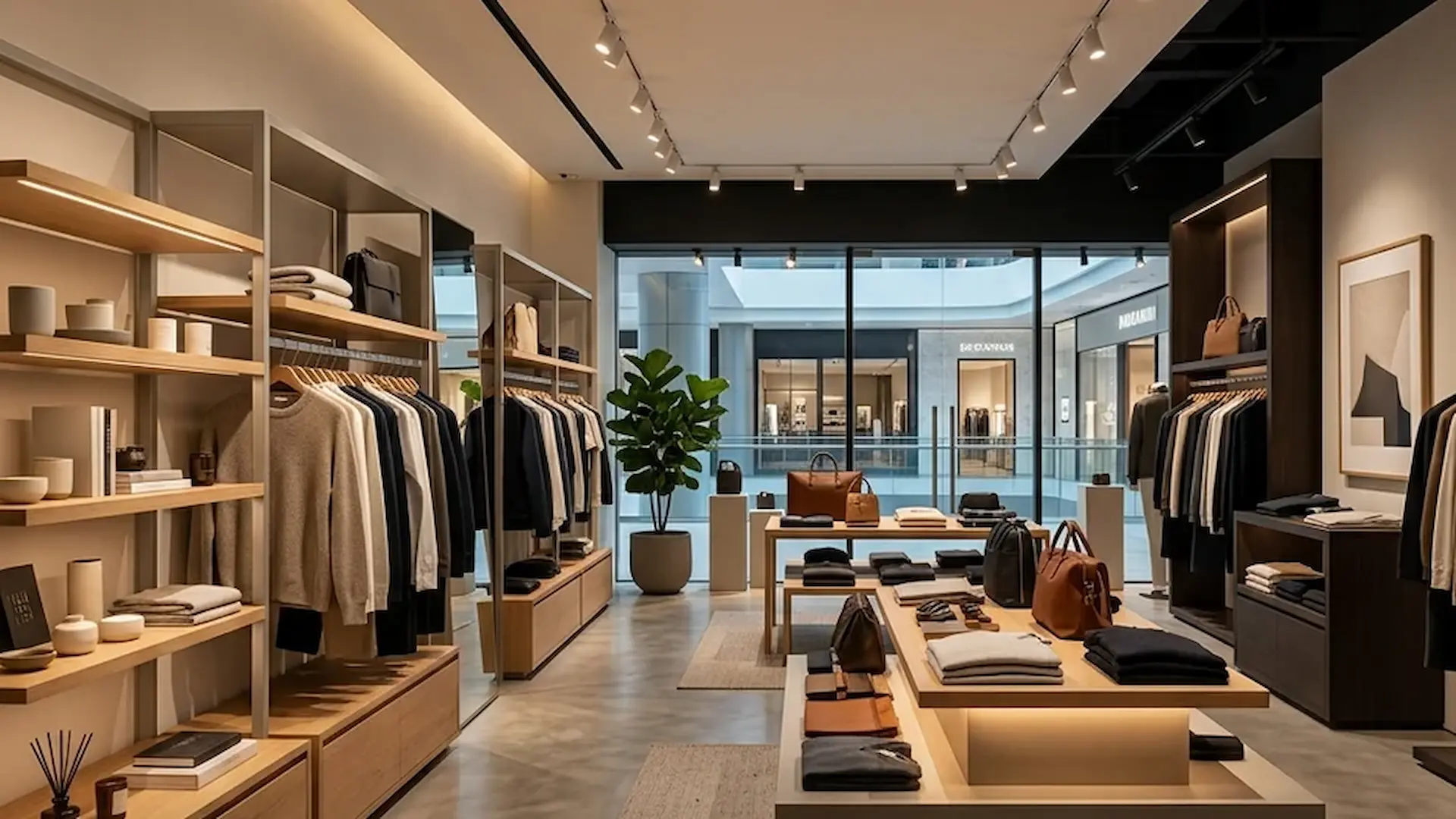
Retail & Shop Lots
Shrinkage control, customer-facing surveillance, inventory protection, and analytics for retail operations.
View Retail Solutions →
Hotels & Hospitality
Multi-zone access, guest movement, high camera counts, and integration across hospitality environments.
View Hospitality Solutions →What Goes Into a Commercial Security System
Commercial environments range from single shopfront tenancies to multi-storey mixed-use buildings. The systems below apply across the spectrum: configured for the operational model and risk profile of each site.
Burglar Alarm & Perimeter Detection
Retail and office environments require alarm coverage that goes beyond doors: roller shutters, display panels, window contacts, and vault protection are all addressable zones. In commercial buildings, exit doors on fire escape routes and back-of-house areas are monitored to prevent after-hours intrusion. A triggered alarm notifies designated contacts and can be integrated with CCTV to surface the relevant camera view at the moment of breach.
CCTV & Video Analytics
Cameras in commercial environments do more than record. In retail, video analytics generate heatmaps of customer movement, identify high-dwell zones, and help business owners understand how shoppers interact with displays: including dwell time analysis for table turnaround in F&B. In offices and buildings, cameras complement guard operations through video patrol. AI-powered smart search allows specific incidents to be located quickly without reviewing hours of footage.
Access Control
Access control separates public common areas from protected zones: server rooms, finance floors, executive levels, stock rooms, and back-of-house areas each require their own credential layer. Zone-based access by department or clearance level ensures staff can only reach areas relevant to their role. Visitor management at the reception desk logs arrivals and issues temporary access credentials. Time and attendance tracking can be incorporated into the same credential infrastructure already in place for security.
Intercom
In commercial buildings, intercom is deployed at main entrances, mechanical rooms, and FCC rooms for controlled visitor and contractor entry. Handicap toilet intercom provides emergency call capability as required under accessibility standards. For offices, visitor intercom integrates with office phones or the mobile app: allowing staff to admit guests without leaving their desks. Lift control integration restricts floor access by staff role or tenancy.
IP Telephony
IP telephone systems replace legacy PABX keyphones for offices and multi-outlet retail operators. The core value is the softphone app: staff make and receive calls on their office number from anywhere with an internet connection, whether working from home, on site at a client, or overseas. For retail chains with multiple outlets, one IP PABX links all locations into a single network with shared extensions, call transfer, and centralised management across the entire operation.
Network Infrastructure
All security systems in a commercial building run on IP and depend on a properly designed network. Managed PoE switches per floor keep devices within cabling limits. VLAN segmentation separates security traffic from business and tenant networks on the same physical infrastructure. For multi-tenancy buildings with an existing IT team, we design to their standards and document the handover clearly.
How We Approach a Commercial Security Project
Every commercial site has a different operational rhythm. We begin with the workflow and work backward to the hardware: not the other way around.
Workflow Audit
Analysing physical site layout and how staff, visitors, and deliveries actually move through the space to identify primary entry logic and zone boundaries.
Risk Profiling
Mapping technical gaps against business continuity needs, compliance risks, and operational goals for each unique commercial zone and tenancy configuration.
System Design
Engineering a unified plan where access control, CCTV, and alarms work together as a single, searchable environment: designed to be extended as the business grows.
Precision Deployment
Professional implementation on 24/7 occupied sites, followed by staff handover, system documentation, and long-term technical support.
Experience Across Singapore's Commercial Sector
We have deployed security systems across offices, retail outlets, hotels, shopping malls, and multi-tenancy commercial buildings throughout Singapore. Our installations meet PDPA data governance requirements, BCA standards, and insurance documentation mandates: and are designed to remain maintainable and expandable for the life of the building.
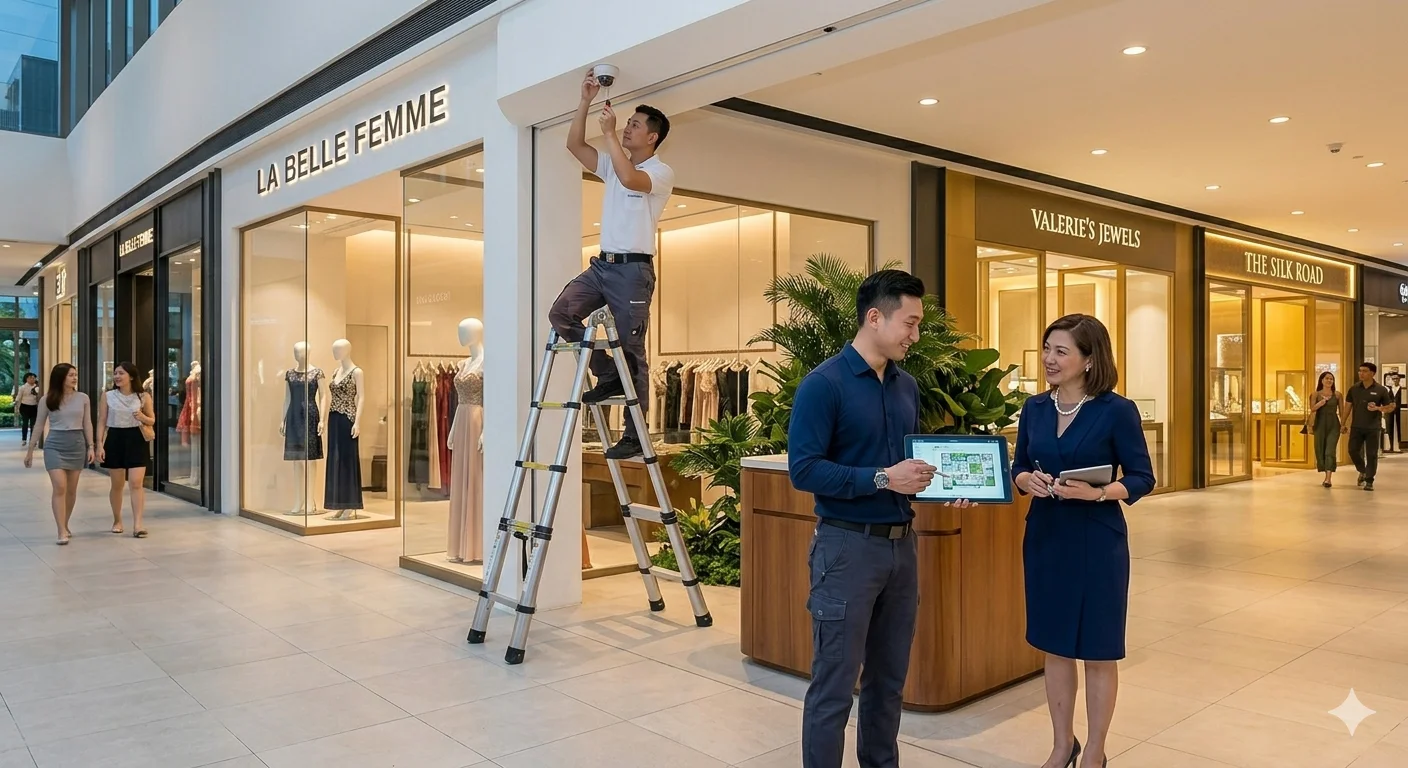
Installed on Occupied Sites
Most commercial installations take place in operating businesses. We plan installation sequences to minimise disruption, schedule cabling work outside business hours where required, and hand over with full system documentation so facilities teams are not dependent on us for routine operation.
What Affects the Cost of a Commercial Security System?
No two commercial properties are the same. These are the factors that most influence project scope and investment.
Number of Entrances
Each controlled entrance point requires its own access reader, intercom, and associated cabling. A single shopfront and a multi-entry commercial building represent very different scopes.
Number of Floors and Zones
Multi-floor buildings require cabling risers, per-floor network switches, and zone-based access logic. Each additional floor and protected zone adds to the installation scope.
Existing Infrastructure
Sites with structured cabling, managed network switches, and functioning conduit can often be upgraded at significantly lower cost than sites where all cabling infrastructure needs to be installed from scratch.
Visitor and Staff Volume
High-traffic reception areas, multi-tenant lobbies, and commercial buildings with large daily visitor counts require more robust visitor management workflows and higher-capacity access control systems.
Integration Requirements
Connecting security systems to existing IT infrastructure, HR systems for staff onboarding, or building management platforms adds configuration time but delivers substantially better operational value.
Multi-Site Scope
A single-site installation is straightforward. A retail chain or corporate group requiring consistent security standards across multiple locations involves centralised platform configuration, network connectivity between sites, and standardised credential management.
A Practitioner Observation
Two offices with identical floor areas can have very different project costs depending on their tenancy structure, access control complexity, and existing infrastructure. We present the cost drivers clearly during the assessment so that scope and budget are aligned before any work begins: and so that decisions about what to include or defer are made with full information rather than discovered mid-project.
Who Commercial Security Is For: and What to Prioritise First
Commercial security needs vary enormously between a single-tenancy office, a multi-floor building, and a retail chain. This section helps you identify where you stand.
This Is For You If…
You own, manage, or are responsible for the security of a commercial property in Singapore: office, retail outlet, F&B premises, or mixed-use building. You have staff, contractors, or visitors moving through daily and need to control who has access to which areas. You have had a theft, break-in, or internal incident and need a system that provides both deterrence and an evidential record. You are a building manager or facilities team responsible for common areas, car parks, and multi-tenant access. You are fitting out a new office or retail space and want security infrastructure built in from the start. Your current system is more than five years old, runs on analogue CCTV, or relies on physical keys that are difficult to manage and revoke.
You May Not Need This Yet If…
You are a sole proprietor in a serviced office: the building's shared security infrastructure likely covers your basic needs. You have a recently upgraded, functioning system and your primary need is maintenance or an additional camera: that is a service call, not a new design engagement. Your concern is purely telephony: IP phone systems for commercial offices are covered separately under IP Communications.
Not Sure What You Need?
A site assessment takes less than an hour and costs nothing. We will walk through your premises, identify the gaps, and give you an honest view of what is worth addressing: and what is not. No obligation to proceed.
What to Prepare Before the Assessment
A floor plan or rough sketch of the premises if available. Details of any past incidents: theft, break-in, access disputes, or staff security concerns. Whether the property is owner-occupied, tenanted, or mixed: this affects system access and responsibility. Your existing systems: CCTV brand, access control type, alarm panel: and their approximate age. Whether you have IT infrastructure such as managed switches or structured cabling already in place.
Not Sure Where to Start with Your Commercial Security Upgrade?
Download a practical planning guide for offices, retail units, and commercial facilities to assess current gaps, review access and surveillance priorities, and plan upgrades with greater clarity.
Designed for business owners, facilities teams, and operations managers.
Download the Planning Guide
Frequently Asked Questions
Questions we hear from business owners, facilities managers, and building operators evaluating commercial security.
What security systems does a commercial office typically need?
Most offices require access control to separate public and protected areas, CCTV for common areas and entry points, visitor management at reception, and network infrastructure to support IP-based systems. Intercom and IP telephony are added depending on the building configuration and staff workflow. The starting point depends on the site's size, tenancy structure, and specific risk profile.
Can commercial security systems integrate with existing IT networks?
Yes. All modern security systems run on IP networks. We design around the existing network infrastructure where possible: using VLAN segmentation to separate security traffic from business and tenant traffic on the same physical infrastructure. For buildings with an IT team, we work to their standards and document the handover clearly.
Can I manage security across multiple offices from one platform?
Yes. Multi-site visibility is one of the core advantages of modern IP-based systems. A centralised video management platform allows a security or facilities manager to view any site, review footage, and receive alerts from a single interface. Access control across branches can also be managed centrally, with staff credentials valid across all locations.
How long does a commercial security upgrade typically take?
For a single-tenancy office, installation typically takes two to four days. Larger commercial properties, multi-floor buildings, or phased upgrades across multiple sites take longer and are planned in stages to minimise disruption to operations. We carry out a full site assessment before any installation begins so the schedule is agreed in advance.
Can existing cameras and access control systems be reused?
Often yes, depending on condition and compatibility. Before recommending replacement, we assess camera resolution, recording capability, access reader type, cabling infrastructure, and integration compatibility with current systems. Many commercial upgrades involve adding to or extending a functioning system rather than replacing it entirely.
What is the difference between office security and retail security?
Office security focuses on staff and visitor access control, zone separation, compliance logging, and protecting sensitive areas such as server rooms and finance floors. Retail security focuses more on shrinkage control, customer-facing surveillance, stock room protection, and after-hours alarm coverage. The systems often overlap but the configuration priorities differ considerably.
How often should commercial security systems be upgraded?
As a general guide, analogue CCTV systems older than five to seven years are worth reviewing: IP-based replacements offer significantly better resolution, remote access, and analytics capability. Access control systems should be reviewed when staff turnover makes credential management difficult, or when the business has expanded beyond what the original system was designed for.
Does Securevision handle commercial security in occupied buildings?
Yes. Most commercial installations take place in occupied, operating buildings. We plan installation sequences to minimise disruption: cabling and backend work is typically done outside business hours where access restrictions apply, with final commissioning and testing scheduled to avoid peak operational periods.
Ready to Secure Your Commercial Property?
Tell us about your site. We will assess it, identify the gaps, and design a system that works as one: without disrupting your operations.
Licensed by the Police Force: Licence · Serving Singapore since 2006